Oneaccount.Everydevice.
Your CodeXa account connects the web portal, the mobile crew app and the AI desktop workspace — same login, same permissions, one secure backend.
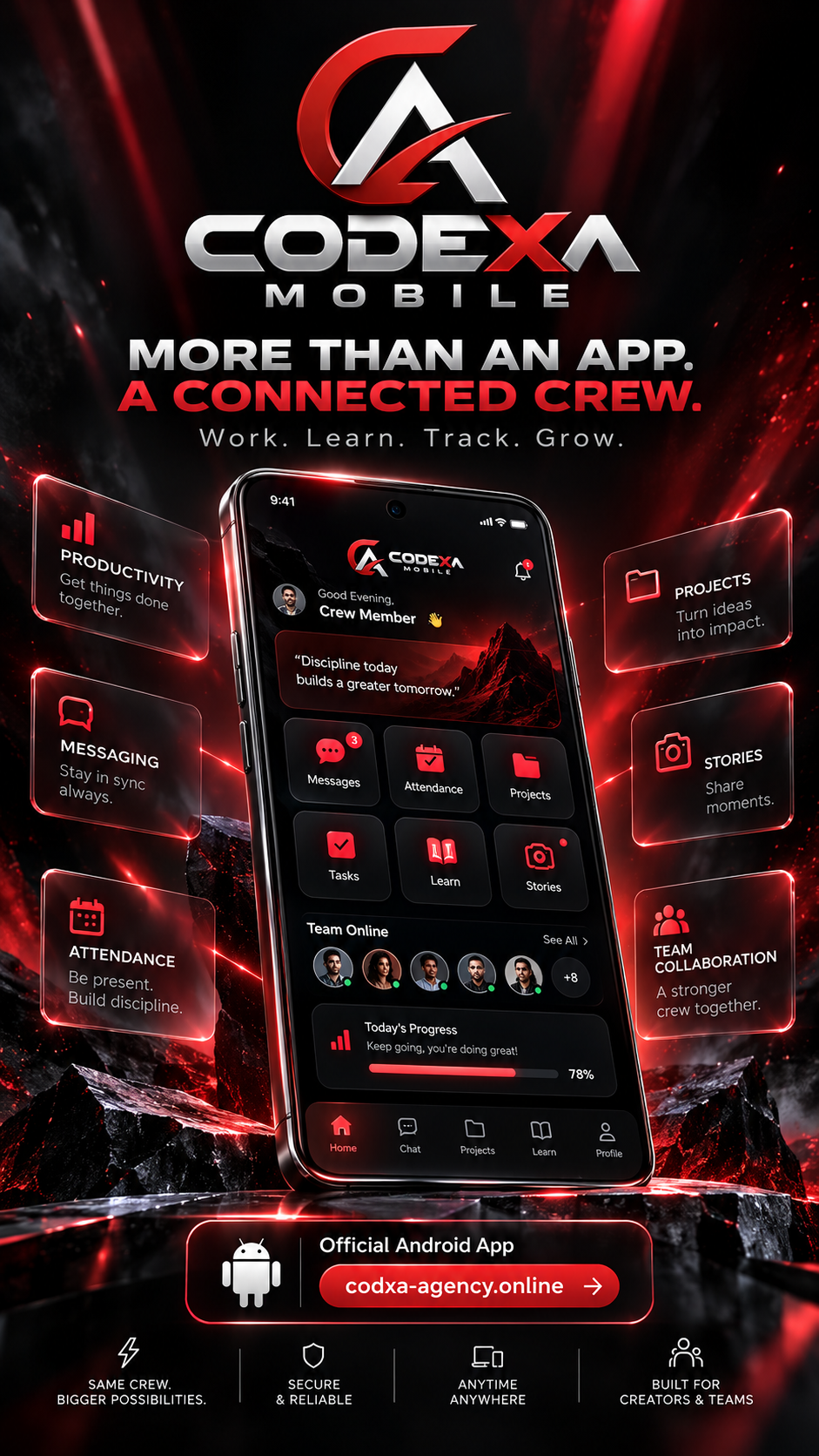
CodeXa Mobile
Daily team workspace & attendance
The daily companion for the CodeXa crew and interns. Mark attendance during live windows, message your team, follow project milestones and get instant updates.
- One-tap attendance during scheduled sessions
- Role-based team DMs & project groups
- Push notifications for payroll, leave & milestones
- Platform
- Android (APK)
- Version
- 1.0.0
- iOS
- Q1 2027
CodeXa AI Desktop
AI models & developer workspace
The workstation client for engineers and leadership: coding AI, document pipelines and agency dev tools, secured with hardware-bound device activation.
- Integrated coding AI & architecture reasoning
- Device activation with CXA-DESK keys
- Per-user daily token allocations & limits
- Platform
- Windows x64
- Version
- 1.0.0-Preview
- macOS / Linux
- Roadmap
A CodeXa device key is required to activate the desktop app.
Get access in three steps
- 01
Sign in
Use your CodeXa account — the same one you use for the web portal.
- 02
Request access
Mobile is open to members. Desktop needs a license request from your dashboard.
- 03
Activate & go
Install the app, sign in and your role-based permissions sync automatically.
account
All apps run on the same secure database, permission system and session infrastructure — your role decides what you can see on every device.
Need a custom app like this?
We build mobile, desktop and web apps on one secure backend — tell us about yours.